Original Post

Ei, guys!
I'd like to show you guys the results of my attempt on implementing the real-time global illumination used by the Unreal Engine 4 and discuss the results I got.
Here is an overview of the implementation:
I'd like to show you guys the results of my attempt on implementing the real-time global illumination used by the Unreal Engine 4 and discuss the results I got.
Here is an overview of the implementation:
- I do not own a DX11 grade graphics card so my implementation uses simple 3D textures instead of Sparse Voxel Octrees and the voxelization is performed on the CPU with raytracing . For each voxel, the raytracer sends a ray in each axis direction (-X, +X, -Y, +Y, -Z, +Z) with distance clamping to avoid intersecting geometry outside the voxel and stores the color and normal of the intersection point.
- Six 128x128x128 3D textures are used to represent the anisotropic radiance of the voxel volume, i.e. the radiance that goes in each axis direction (-X, +X, -Y, +Y, -Z, +Z).The points that were calculated before are rendered into these volume textures, their illumination is calculated and they are injected into the 3D textures by weighting their normals against the direction that each of the 3D texture represents thus giving us how much of the lighting goes into each direction.
- After the 3D textures are created we need to generate their mipmaps so we can perform cone tracing. This step requires a custom mipmapping step that adds the radiance of neighbouring texels instead of averaging becase without it empty voxels wich are black would darken the radiance in the deeper mipmap levels.
- Once the volumes are ready the GI is rendered with a full screen pass where 16 uniformly distributed cones are cast. For each cone, 20 samples are taken along it with a fixed distance between samples. For each sample, the sample radius is calculated from the cone angle and the distance to the source point and used to calculate the correspondent mipmap level. The anisotropic radiance is sampled from the 6 volumes and weighted by the cone direction.
Regarding performance, these are my thoughts:- Using a fullscreen pass for the GI, with 16 cones per pixel, 20 samples per cone gives an average of 2 FPS on my GTX260 Mobile.
- Using a configuration similar to the UE4, rendering at 1/3 of the screen resolution (which should be fairly equivalent to their 3x3 interlacing method) with 9 cones per pixel, 20 samples per cone (it is unknown how much samples UE4 uses for each cone) I obtain 10 FPS.
- It would be interesting to see how this runs on a more powerfull GPU like the GTX680 that it was used on the UE4 presentation
- I'm also curious to see if a Sparse Voxel Octree would increase or reduce the performance (please share your thoughts on this)
Regarding quality:- The overall quality fairly independent on the number of cones. Usually, 9 cones provide acceptable quality while 16 cones provide good quality and 32 is similar to 16 cones while providing subtle fine details.
- Specular reflections are not that good for two reasons: the low resolution of the volume and the fact that the reflection has no GI, only direct illumination, which makes them look displaced from the scene even for glossy reflections.
- In certain situation some bleeding shows up on the corners, probably due to the discretization of the scene and low resolution of the volume
The following screenshots were taken with the following configuration: fullscreen resolution, 16 cones per pixel, 40 samples per cone.
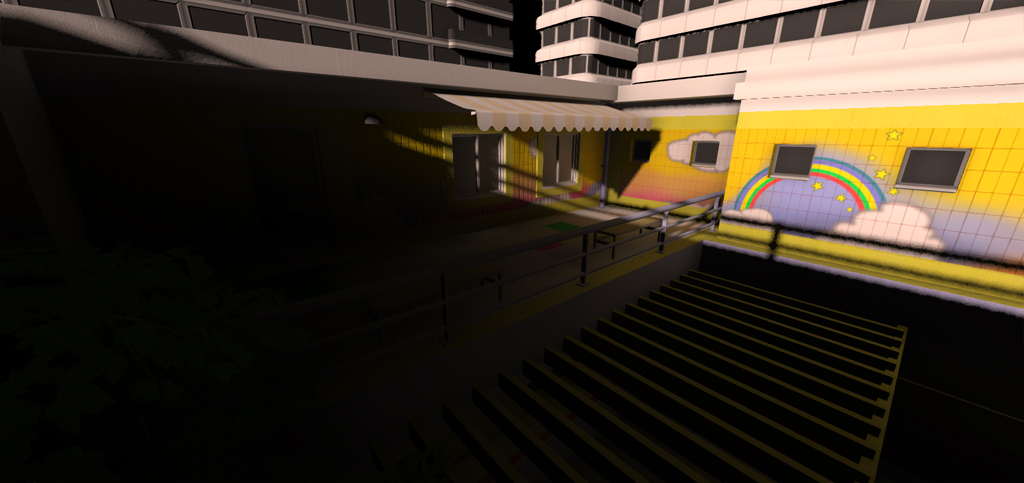
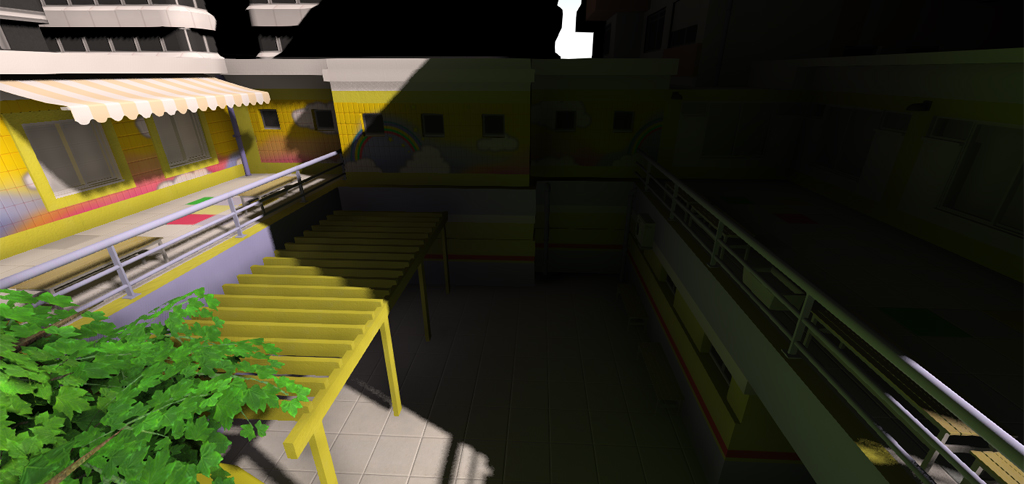
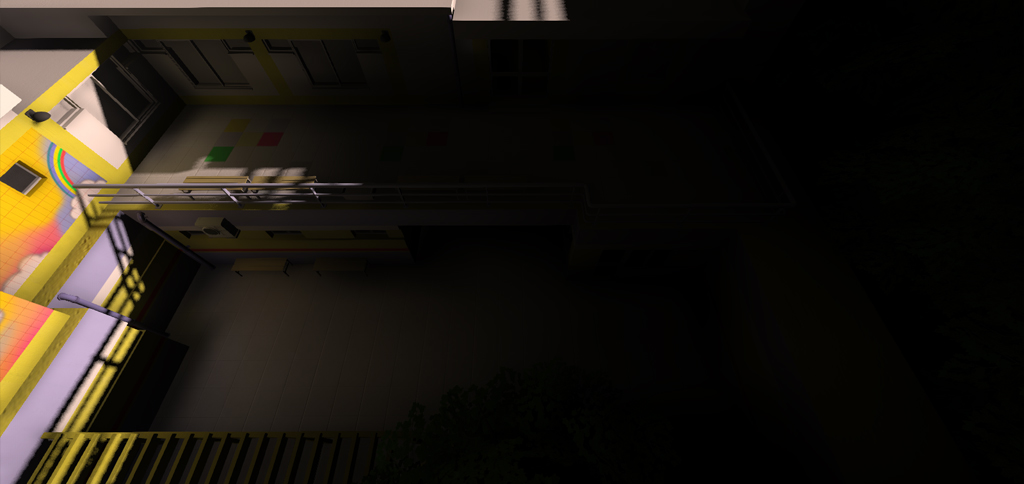
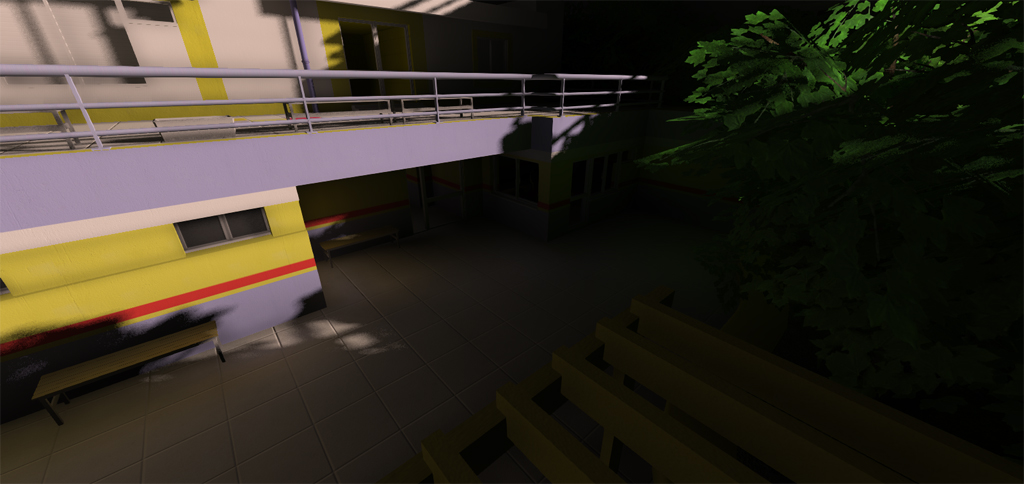
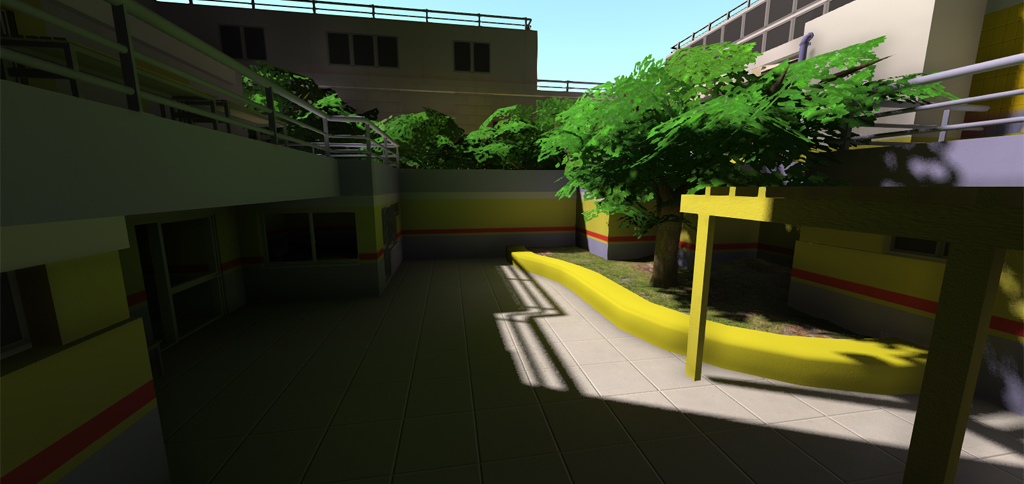
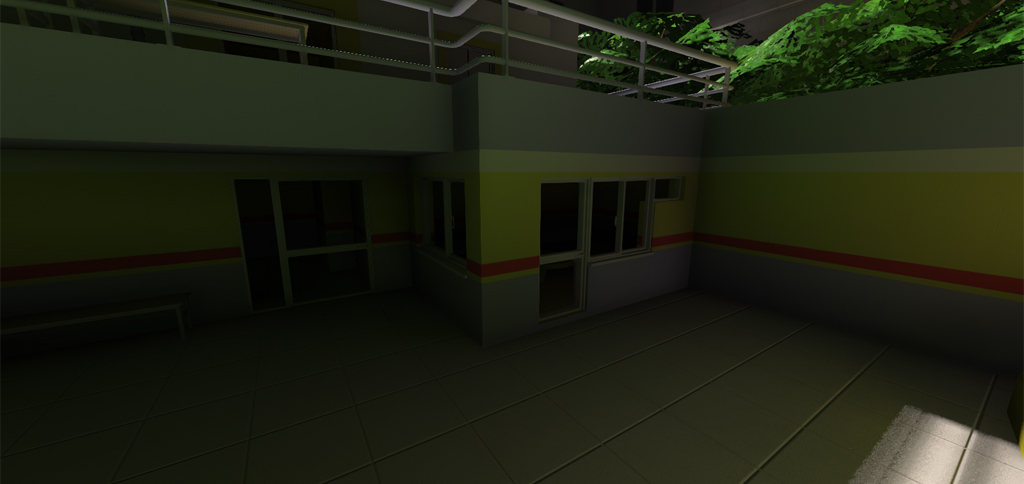
- The overall quality fairly independent on the number of cones. Usually, 9 cones provide acceptable quality while 16 cones provide good quality and 32 is similar to 16 cones while providing subtle fine details.
- Using a fullscreen pass for the GI, with 16 cones per pixel, 20 samples per cone gives an average of 2 FPS on my GTX260 Mobile.