
Click for big
Once initialised, all you need are two things; the Graphics object it provides to handle your drawing, and the Refresh() method to update the console with whatever it is you've been composing.
It relies on a fairly large palette (128KB) which is hugely wasted in the current version - it maps every 16-bit colour value (R5G6B5) to an attribute/character pair. For the purpose of not looking extremely ugly, the palette provided only uses a few basic characters, not the full range, hence that 128KB could be reduced somewhat.
If you want to provide your own palette, it's just a sequence of two byte pairs (character then attribute) for each of the 16-bit colour values.
You'll need to compile with the unsafe flag set.
Download VC? project (with a quick-and-dirty sample program - an oldschool flame that spins around, some curves and some alpha-blended text). ClearType does make the text look a bit odd.
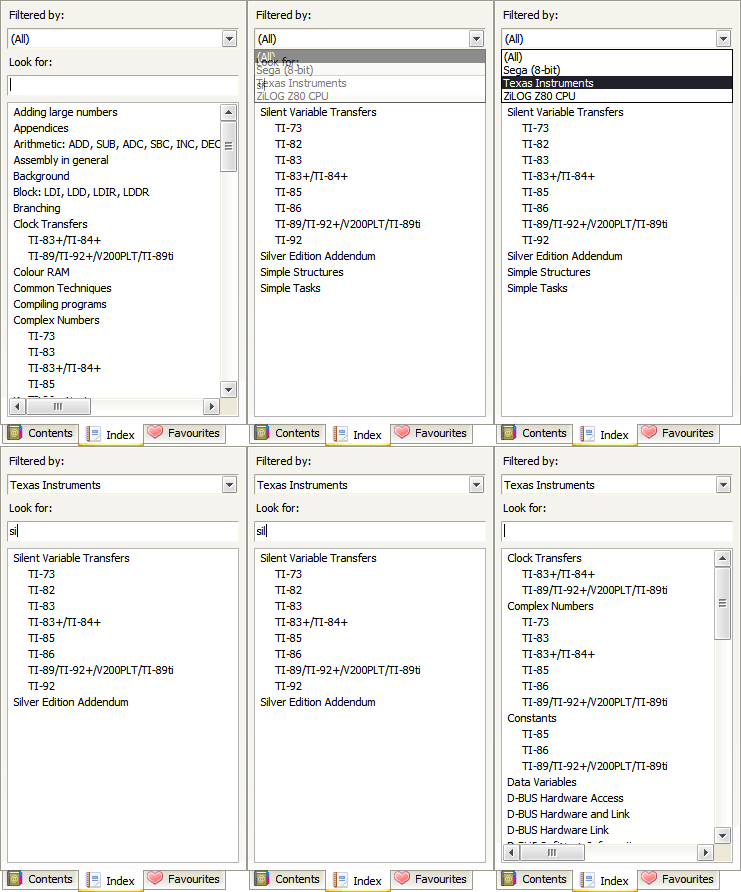
// Set window to 80x50TextSharp TS = new TextSharp(80, 50);// Set window title textTS.Title = "TextSharp Demo";// Set up some pleasant antialiasing/filteringTS.Graphics.SmoothingMode = SmoothingMode.HighQuality;TS.Graphics.InterpolationMode = InterpolationMode.HighQualityBicubic;// Now use the Graphics object like any otherTS.Graphics.Clear(Color.White);TS.Graphics.DrawLine(Pens.Black, 0, 0, 80, 50);// Update console windowTS.Refresh();The document browser progresses (slowly) - it now exports and imports to/from a single file (the .docpack) and has a nifty search-as-you-type index.
Why is it that all you need to do to solve all your .NET WinForms woes is to make the control invisible then visible again? When clearing/adding large numbers of nodes to a TreeView control, you get a dancing scrollbar that pauses the app for a second or so - make the control invisible then visible again and it's instant. (This is using Clear and AddRange - it's not as if I'm adding them one-by-one).


Never used the Treeview control so I might be completely wrong though....