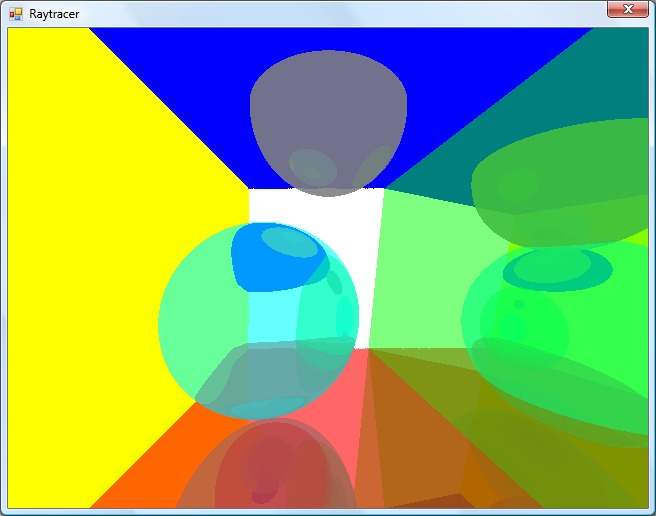
No apologies made for the coder colours.
Currently, the world is just a simple List
For each ray, I iterate over the list of items in the world and grab the collision point. If a collision is made, I add the details to another list (including the total length of the ray at this point) and, if the surface's material is marked as reflective (ie, has a Reflectivity property greater than zero) I reflect the ray against the surface normal and cast again (recursively, so it's very easy to cause a StackOverflowException when two shiny surfaces are parallel to eachother).
Once I have a record of all the collisions, I sort them in back-to-front order based on the length of the ray, then iterate over them, blending the colours as I go (so a reflection in a green surface ends up being green tinted).
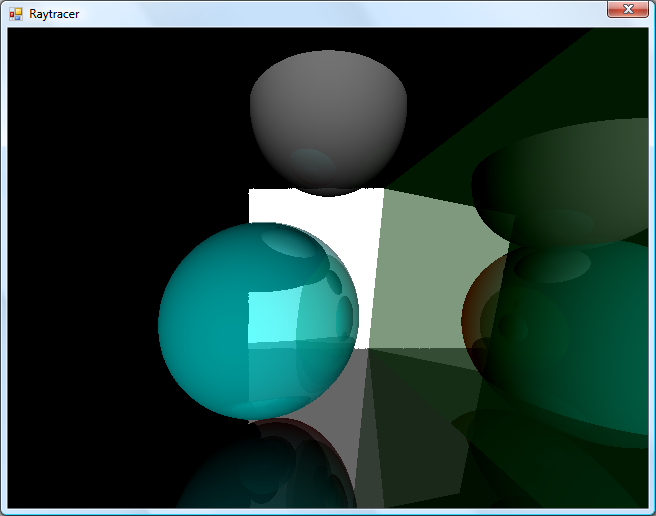
Marginally less garish.
To try and get a better sense of the 3D scene, I added a simple directional light. This simply takes the dot product of the hit surface normal and the light's direction, then multiplies it by the material's diffuse colour. The above screenshot has a light pointing directly away from the camera, hence the upper and left walls are completely black (however, the bottom and right walls, being reflective, are partially visible).
I've trying to do this without looking up the correct way of doing it, experimenting as I go - mainly in an attempt to try and patch up my rather poor handle on 3D maths and collision detection.
