
GameDev.net gamedev.net
🔒 Locked 🎮 Unity

Is there a way to combine 2 methods?

Started by jkuehlin Sep 25, 2017 at 6:32 PM 4 replies 2.4k views
Original Post
jkuehlin
jkuehlin

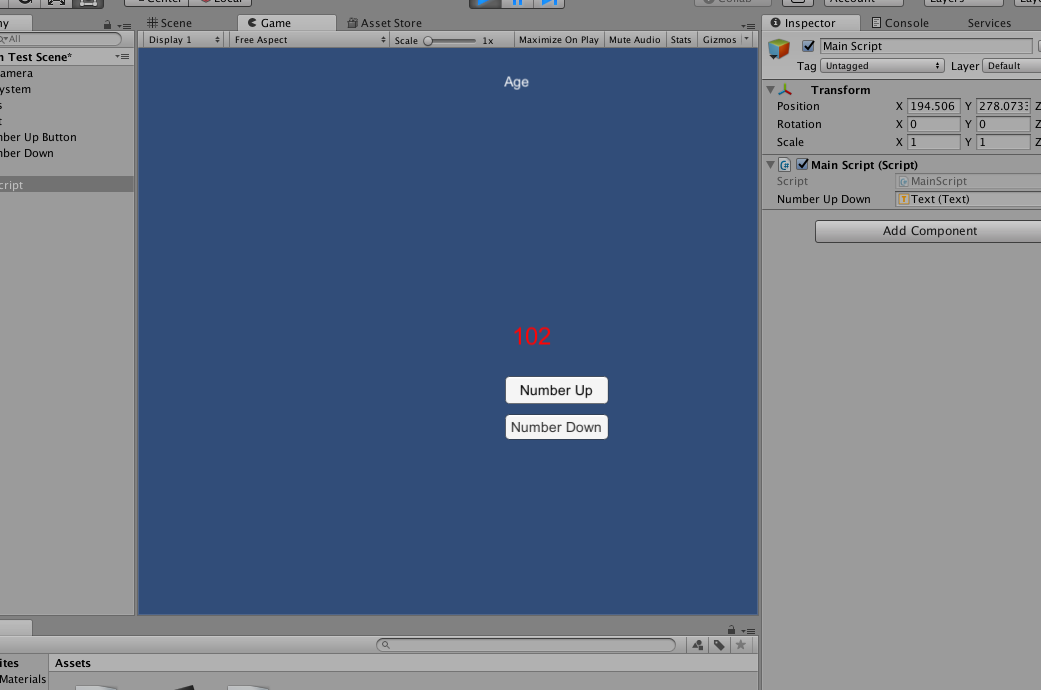
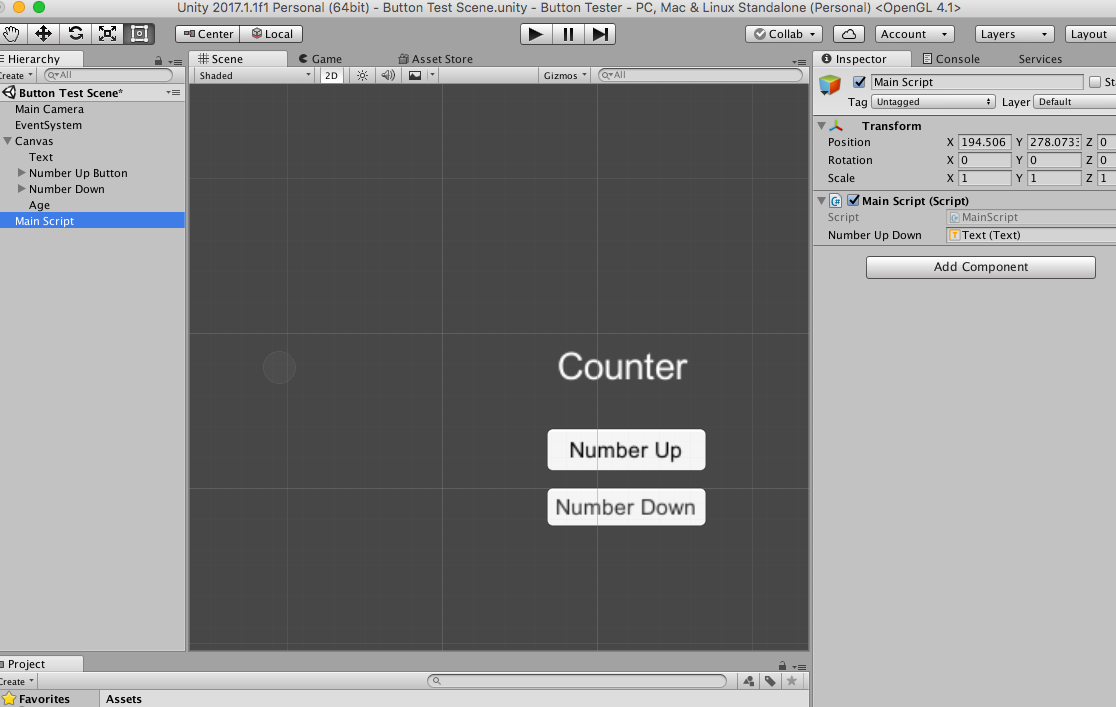
I'm just trying to get acquainted with how buttons control text objects.

Could my two methods (counterUp and counterDown) be combined into one method that responds to both the number up and number down buttons in Unity? (For the sake of only manage one method instead of 2). to If so how?


public class MainScript : MonoBehaviour {

int count;

public Text numberUpDown;

void Start () {
StartGame ();
}

void StartGame()
{
count = 100;
}

public void counterUp ()
{
count = count+1;
numberUpDown.text = count.ToString ();
}
public void counterDown ()
{
count = count-1;
numberUpDown.text = count.ToString ();
}
}

59c94b063049f_ScreenShot2017-09-25at2_27_20PM.thumb.png.71fe9478e872e9df1288b7bd68ed75d1.png

59c94b0d9a22b_ScreenShot2017-09-25at2_27_11PM.thumb.png.476467407bdcfc227645928549697b5d.png

This is my placeholder signature
Alpha_ProgDes
Alpha_ProgDes

I'd be shocked if Unity didn't provide a enum or function that allowed you to read what key was pushed.

Beginner in Game Development?  Read here. And read here.  
Xai
Xai

There is probably a way, but upon first glance at the Unity API it doesn't seem that the primary click handler "onClick" will allow for this because it does not pass any parameters at all. All other UI control libraries that I've every used allowed this, because they passed a "sender" object in the click method - which would allow you to determine which control raised the click event. But I don't see the equivalent in the Unity API docs upon initial glance. I'm probably missing something and may dig in deeper when I have a chance to open the unity editor later. Good luck.

Nypyren
Nypyren

Make a public function in your script which takes an int parameter. Link your MainScript component to the OnClick handler. Your function in MainScript should then show up in the selectable functions in the UI Button's OnClick list. Use the same function for both buttons but provide 1 for counting up and -1 for counting down. Then you can have just one function like what you have already, and does 'count = count + parameter;'

See about 2 minutes into this video for what I'm referring to. He does it with a string argument but you should be able to do it with int, float, bool as well.


jkuehlin
jkuehlin

Cool! Thanks :D

This is my placeholder signature

Topic Locked

This topic has been locked by a moderator. New replies are not allowed.

Sign in to reply to this topic.

