Neon Signs & Objects
Good job if this is your first shot at this.
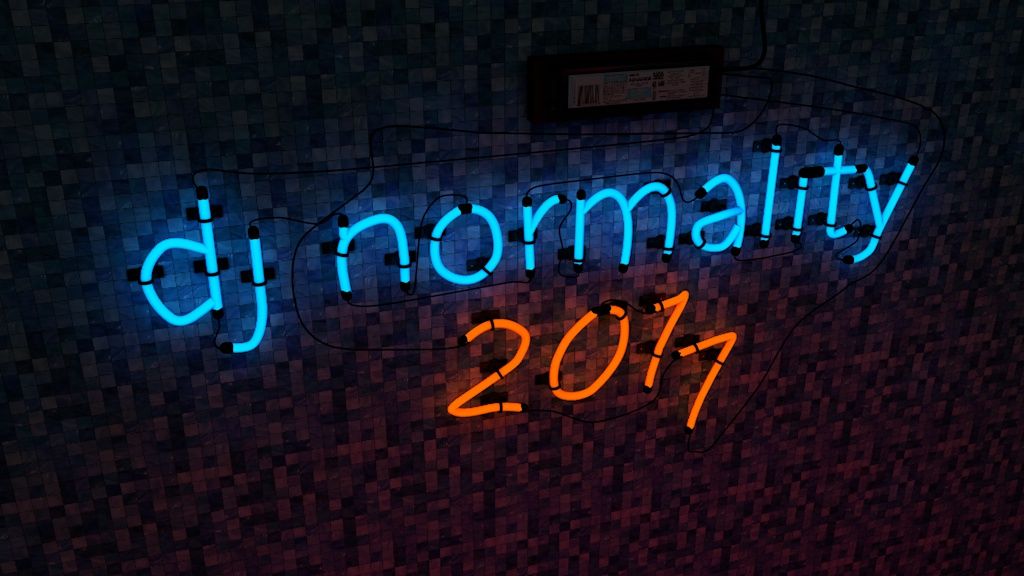
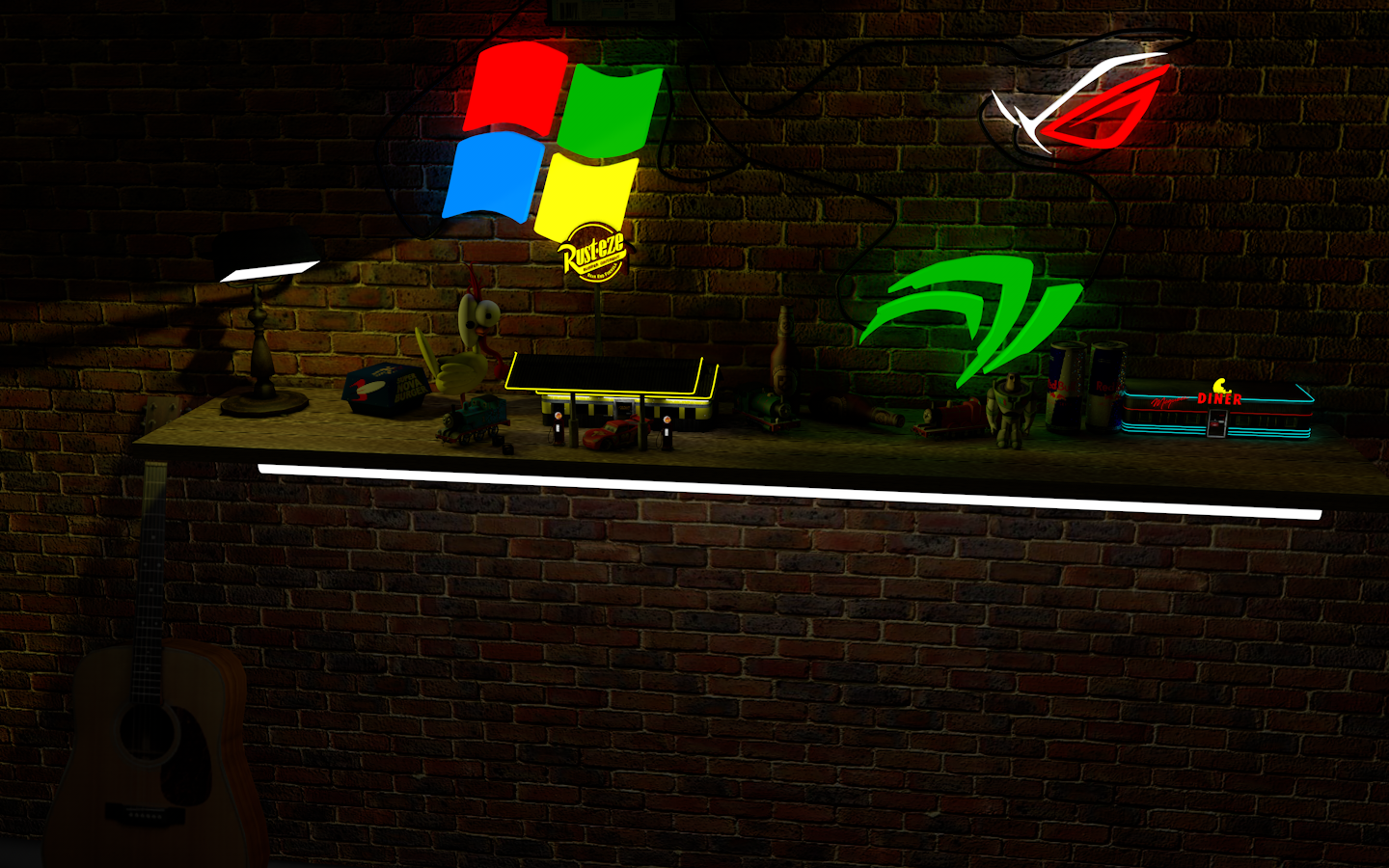
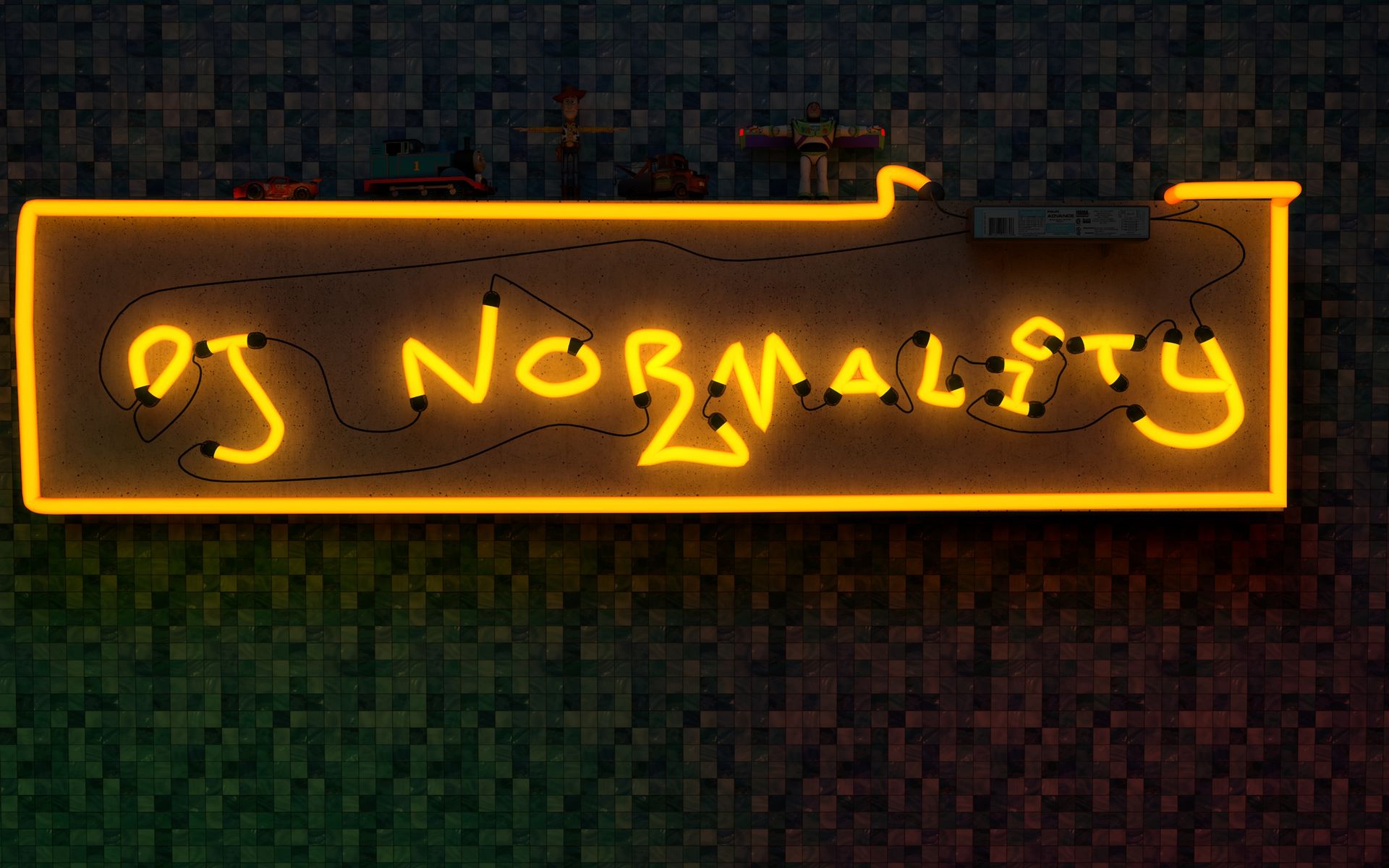
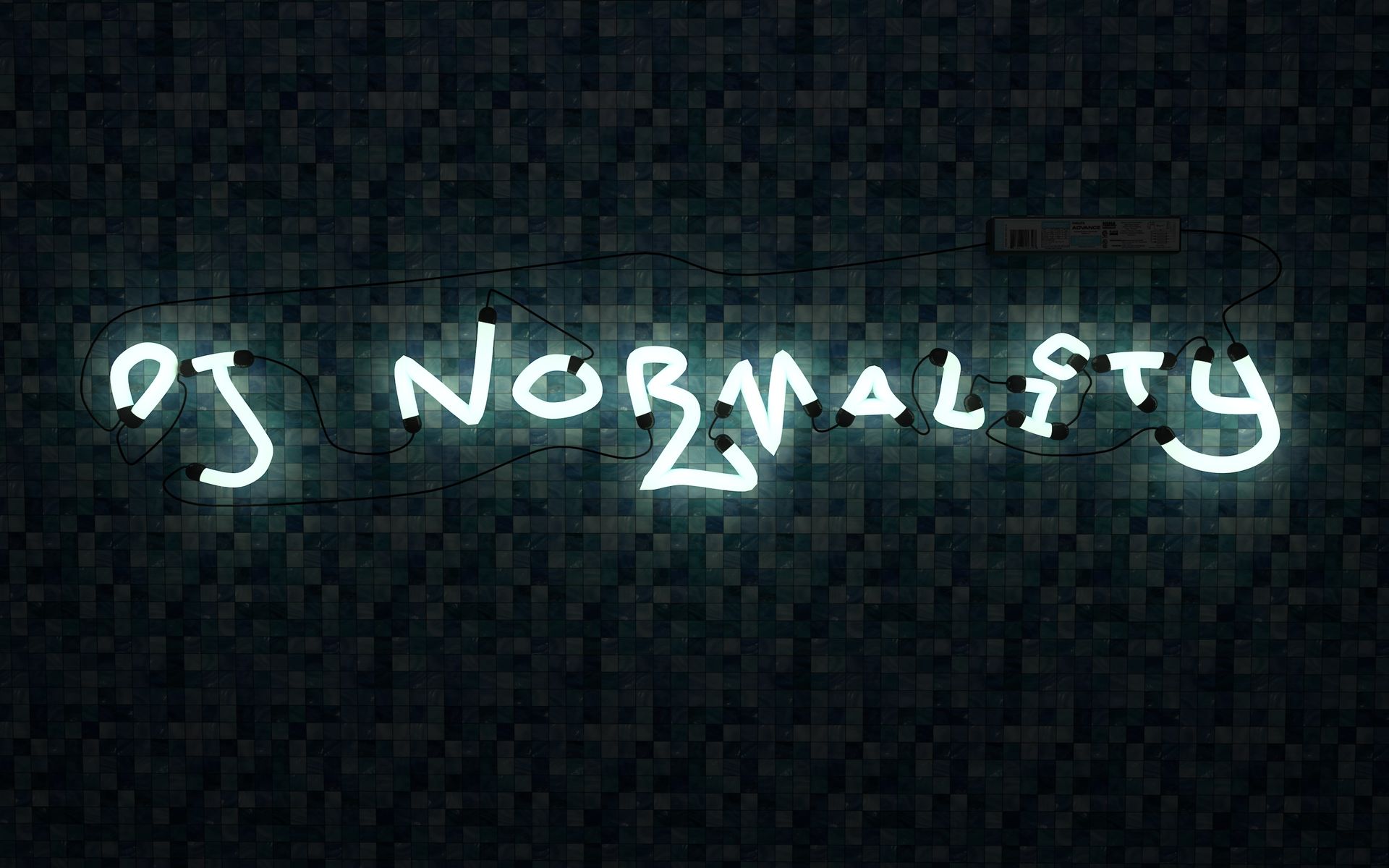
Yes. I don’t know too much about the luminous but I am trying to get it looking as real as possible. I use Omni lights too around the luminous to give the. Area some more shadows. Then sometime I’ll use photoshop to add more rays and flares. Thanks for checking it out. I know they are not extravagant but they are pretty good for my first ones.
On 8/18/2018 at 4:25 AM, Brandon Sharp said:All i use is a luminescent over a transparent material.
Makes it sound like you are doing this in a render not at realtime?
If it is a render engine then you can just abuse whatever light bounce system is in place, use very high light settings and a lot of bounces; then use your visual composer to tone map it into human eye range. Some blurr for effect isn't too bad either but you will want to make a mask; so it doesn't bleed too much.
When practicing light, it is often nice to work with a cube, then add lights around the cube, to see how the light is acting.
Topic Locked
This topic has been locked by a moderator. New replies are not allowed.

.png.ee5e5a0ab694685b4ba980f0909c0627.webp)